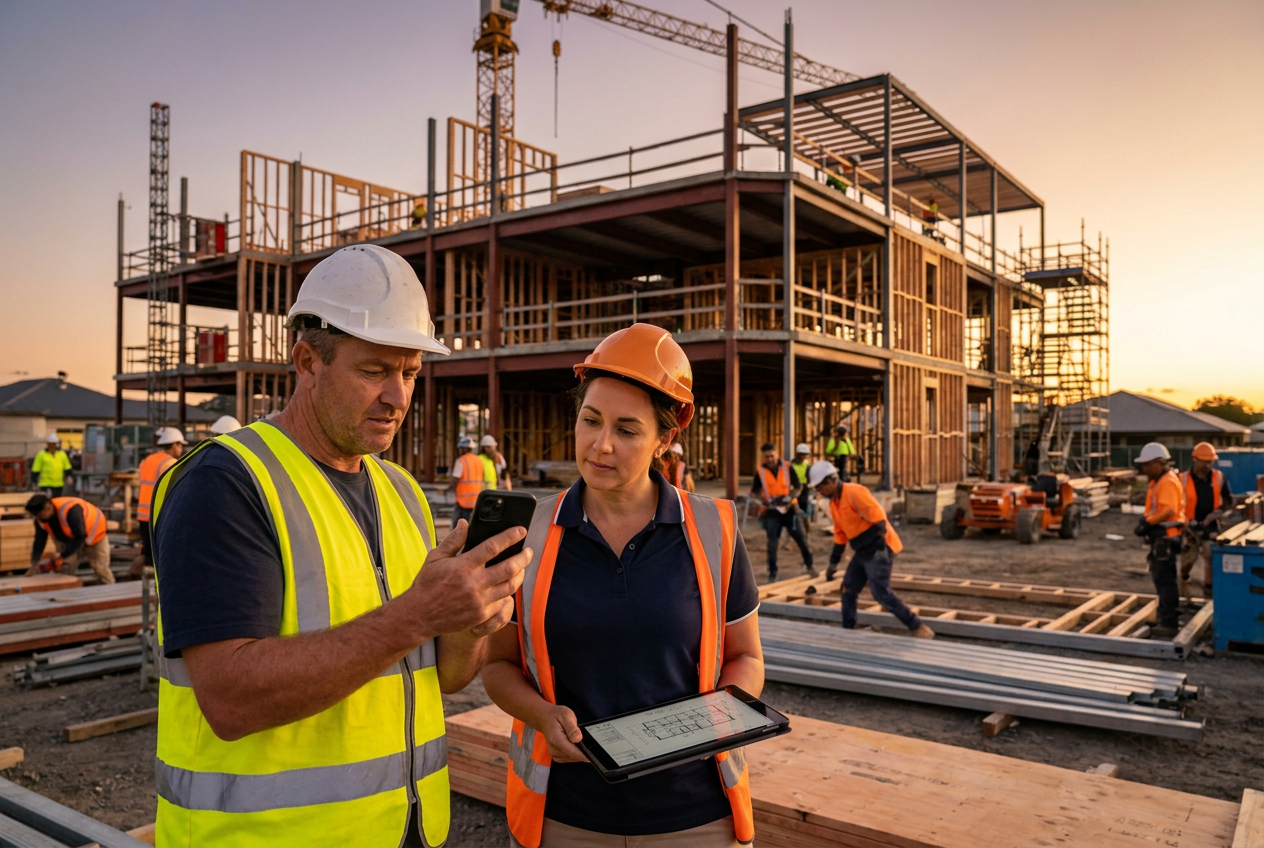
If you run a small or mid-sized general contracting business, 2026 is shaping up to be a year where construction technology stops being a “nice to have” and becomes a practical margin tool. Labor remains tight, jobsite communication is still messy on too many projects, and every missed update can show up later as rework, delays, or unbilled work. The good news: the tools getting the most traction are also the most accessible—mobile field reporting, simpler AI features, and software that helps teams close the loop faster.
The latest industry signals point in the same direction. Contractors are not chasing technology for novelty; they’re adopting it to protect profit margins, reduce admin burden, and make the field and office work from the same set of facts. For small GCs, that means the winning tech stack is less about complexity and more about consistency.
What 2026 construction tech adoption trends mean for small contractors
The biggest shift in 2026 is that construction tech adoption is becoming more selective. Many small contractors are no longer asking, “Should we digitize?” They’re asking, “Which tools actually save time and prevent margin leakage?” That question matters because small firms feel operational mistakes more immediately than large ENR-scale contractors.
For a smaller GC, the highest-value technology usually solves one of three problems:
- Field updates are late, incomplete, or hard to trust.
- Office staff spends too much time chasing paper, texts, and spreadsheets.
- Management lacks a clean view of job progress, cost exposure, and change activity.
That is why mobile-first tools are outperforming “big platform” systems that require heavy setup. A foreman can capture a daily report on-site, attach photos, log labor, and flag issues in minutes. That record becomes the basis for better communication, faster billing, and fewer disputes.
If you are comparing tools, it helps to look at features through the lens of work speed and job cost protection. A practical overview like BuildTrack features can help you evaluate what matters most for your crews.
Mobile field reporting is becoming the baseline, not the bonus
Why mobile reporting keeps gaining traction
Mobile field reporting has become one of the clearest adoption trends because it solves a problem every contractor recognizes: the field is where the work happens, but the office is where the paperwork tends to pile up.
In practice, good mobile reporting lets supers and foremen:
- Record daily logs while the day is still fresh
- Capture weather, manpower, deliveries, and delays
- Add photos before details get forgotten
- Track issues and punch items in real time
- Share updates with the office without waiting until Friday
This is not just administrative convenience. When daily records are complete and timely, contractors are better positioned to support pay apps, defend change orders, and document schedule impacts. That is especially important when scope changes or coordination issues arise.
What small GCs should look for in a mobile reporting tool
Many apps advertise “field reporting,” but not all of them reduce friction in the field. Small contractors should prioritize tools that are:
- Fast to use with low training overhead
- Works well on phones, not just tablets or laptops
- Capable of offline or weak-signal use
- Easy to attach photos, notes, and time records
- Structured enough to standardize reporting across crews
The goal is not to collect more data. The goal is to collect the right data consistently.
That consistency can improve billing accuracy and reduce arguments over what happened on site. It also helps owners and project managers spot trends earlier—like repeated delays from the same subcontractor, material shortages, or RFIs that keep sitting unresolved.
AI in construction is shifting from hype to practical help
How small contractors are actually using AI in 2026
For small general contractors, AI is most useful when it removes repetitive work rather than trying to replace experienced judgment. The most realistic use cases are already fairly simple:
- Drafting project emails and client updates
- Summarizing field notes or meeting notes
- Helping organize open items from daily reports
- Sorting documents or identifying missing information
- Flagging patterns in cost codes, delays, or RFIs
These are not flashy uses, but they matter. A project manager who saves even 20 to 30 minutes a day on admin work can spend more time solving issues before they become expensive.
The key is to treat AI as a draft assistant, not an authority. Construction still needs human review, especially for schedule commitments, contract language, and safety-critical decisions.
AI works best when your data is already organized
AI only helps if your inputs are reliable. If field notes are scattered across texts, emails, and paper logs, AI won’t magically create clarity. But if your reporting system is standardized, AI can help summarize information faster and make it easier to act on.
That means small contractors should build the basics first:
- Standardize daily reporting.
- Centralize documents, photos, and notes.
- Use the same project naming and cost structure across jobs.
- Keep change-related items easy to find.
- Review outputs before sending anything to an owner or trade partner.
A practical AI tool is only as good as the workflow around it. That is why software that already keeps project data in one place is the best starting point.
Profit margins remain the real reason tech adoption matters
Margin pressure is still driven by avoidable waste
Contractors do not adopt technology because it looks modern. They adopt it because jobs are getting harder to run cleanly. Profit margin pressure often comes from small losses that add up:
- Rework from unclear instructions
- Missed time entries or untracked labor
- Delayed change order documentation
- Incomplete daily reports
- Slow communication between the field and office
- Unnoticed scope creep
None of those problems are dramatic by themselves. Together, they can erase profit on an otherwise decent job.
This is where construction tech becomes a margin defense tool. When field reporting is daily and visible, management gets earlier warning signs. When costs are organized by project and phase, it is easier to catch overruns before they are unrecoverable.
How mobile reporting helps protect margin
Mobile reporting improves margins in a few concrete ways:
- Faster billing cycles: better records support more accurate invoicing
- Stronger change documentation: fewer missed extras
- Better labor visibility: easier to spot productivity issues
- Lower rework risk: issues are surfaced earlier
- Less admin duplication: crews and office staff waste less time re-entering data
For small GCs, the biggest margin gain often comes from one simple change: making it easier for the field to report correctly the first time.
If you are trying to understand whether software is worth it, compare the cost of the tool against the cost of missed documentation, delayed billing, and avoidable rework. That is also why many firms review BuildTrack pricing only after they have calculated how much time they currently lose to manual coordination.
What the latest industry data really suggests
Across the broader construction industry, the message from trade groups, safety agencies, and labor data is consistent: contractors are still operating in a demanding environment where productivity, labor availability, and compliance all matter more than ever. The U.S. Bureau of Labor Statistics continues to show construction as a major employment sector with ongoing labor demand, while safety and documentation expectations remain high across all job types. For ongoing labor context, see the U.S. Bureau of Labor Statistics and safety guidance from OSHA.
The practical takeaway for small contractors is not that every firm needs advanced AI or enterprise software. It is that firms with cleaner workflows are better positioned to win work, manage risk, and preserve margin.
In other words, the latest data does not point to a technology race. It points to an operations race.
How small GCs can adopt technology without overwhelming the team
Start with one workflow, not five
A common mistake is trying to roll out too many tools at once. That often leads to low adoption and more frustration. Instead, start with one high-friction workflow, such as daily reports or change documentation.
A simple adoption plan could look like this:
- Pick one project to pilot the new process.
- Define exactly what gets captured each day.
- Assign one person to review reports for completeness.
- Keep the mobile form short enough to use in the field.
- Measure whether the team is spending less time chasing information.
Once the first workflow is working, expand to the next one. This staged approach is far more realistic for small and mid-sized firms than a large-scale software rollout.
Train around outcomes, not features
Field teams do not care about software features in the abstract. They care about fewer callbacks, less paperwork, and less confusion.
When introducing new tools, connect each step to a jobsite outcome:
- Daily reports help defend billing and manage issues.
- Photo logs help settle disputes and track progress.
- Centralized notes reduce miscommunication.
- Structured reporting makes it easier to stay on schedule.
That approach usually improves adoption more than a generic software demo.
A practical 2026 tech checklist for small general contractors
Before buying or expanding technology, ask whether the tool helps you do these things better:
- Capture field updates daily
- Keep labor, photos, and notes in one place
- Track issues before they become disputes
- Support faster billing and change order follow-up
- Reduce duplicate data entry
- Make it easy for crews to use on mobile devices
If the answer is yes, the tool may help margins. If not, it may just create another place for information to disappear.
Choosing software that fits a small contractor’s workflow
The best software for a small general contractor is not the one with the most features. It is the one your team will actually use every day.
Look for:
- Simple onboarding
- Mobile-friendly field workflows
- Clear daily reporting
- Easy project visibility for office staff
- Affordable pricing that scales with your firm
- Support that understands construction
If you want to see how an integrated, field-friendly approach can work in practice, you can Start your free trial and evaluate it on a real project.
Conclusion: 2026 belongs to contractors who turn data into action
The 2026 construction tech trend story for small general contractors is straightforward: mobile field reporting is becoming essential, AI is becoming useful in practical ways, and both can help protect profit margins when they are built into a simple, repeatable workflow.
You do not need a massive digital transformation to get results. You need better information, captured faster, by the people closest to the work.
If you are ready to simplify reporting, reduce admin drag, and gain better visibility into your jobs, try BuildTrack today: Start your free trial.
FAQ
What is the most important construction tech trend for small contractors in 2026?
Mobile field reporting is one of the most important trends because it improves daily visibility, reduces paperwork, and strengthens documentation for billing and change management.
How can AI help a small general contractor without adding risk?
AI can help draft emails, summarize notes, and organize information, but it should be used as an assistant. Contractors should review all outputs before sending them to clients or trade partners.
Does construction software really improve profit margins?
It can, especially when it reduces rework, missed change documentation, time-entry errors, and delayed billing. The biggest gains usually come from better process control, not from software alone.
What should I prioritize first: AI tools or mobile reporting?
Start with mobile reporting. Clean, consistent field data creates the foundation that makes AI and other automation more useful later.
How do I get my crew to actually use new software?
Keep the workflow short, mobile-friendly, and tied to a clear outcome like faster billing or less paperwork. Start with one process and expand gradually.
Frequently asked questions
Put these ideas into action with BuildTrack
Manage schedules, budgets, documents and field teams in one affordable platform built for small contractors.
Start your free trial

